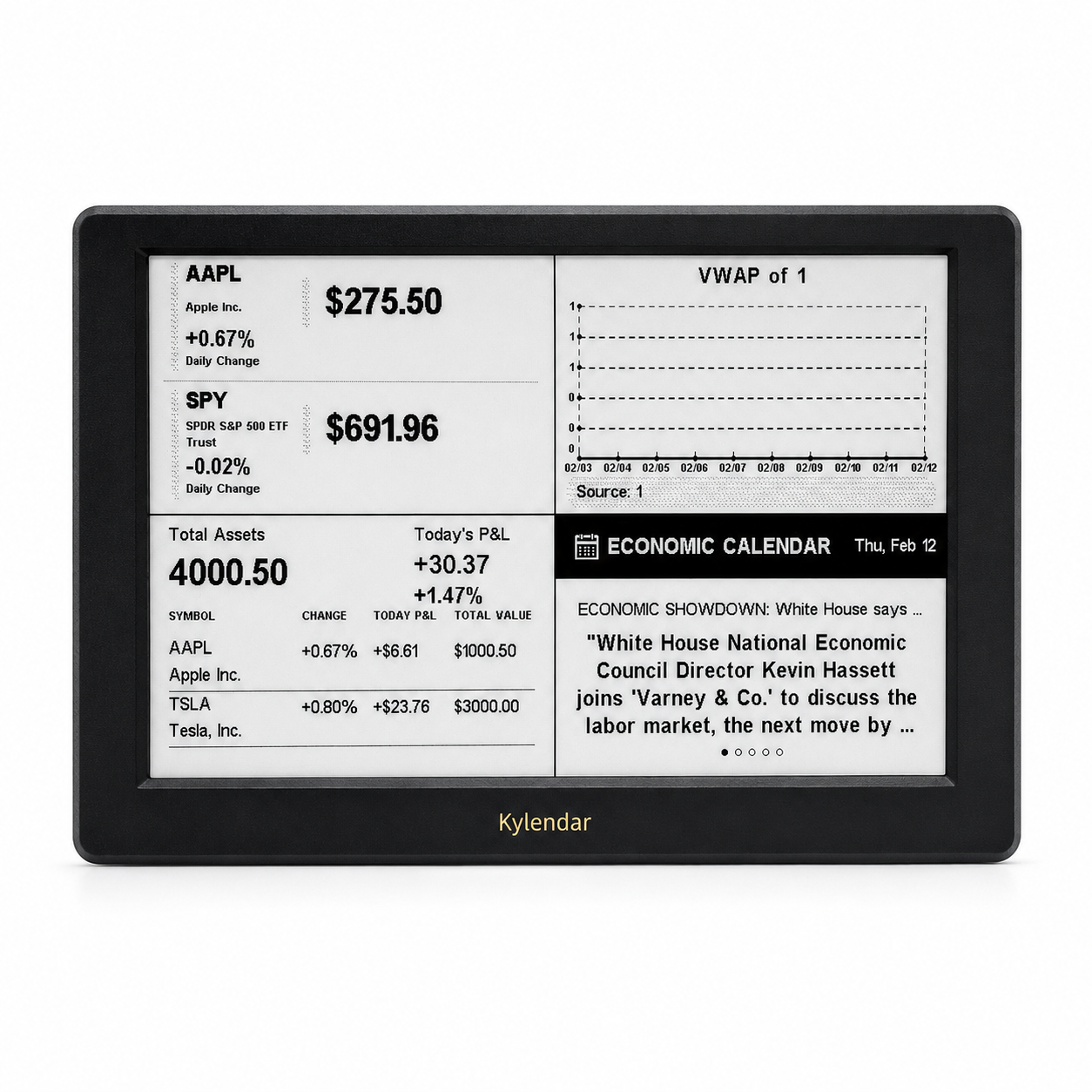
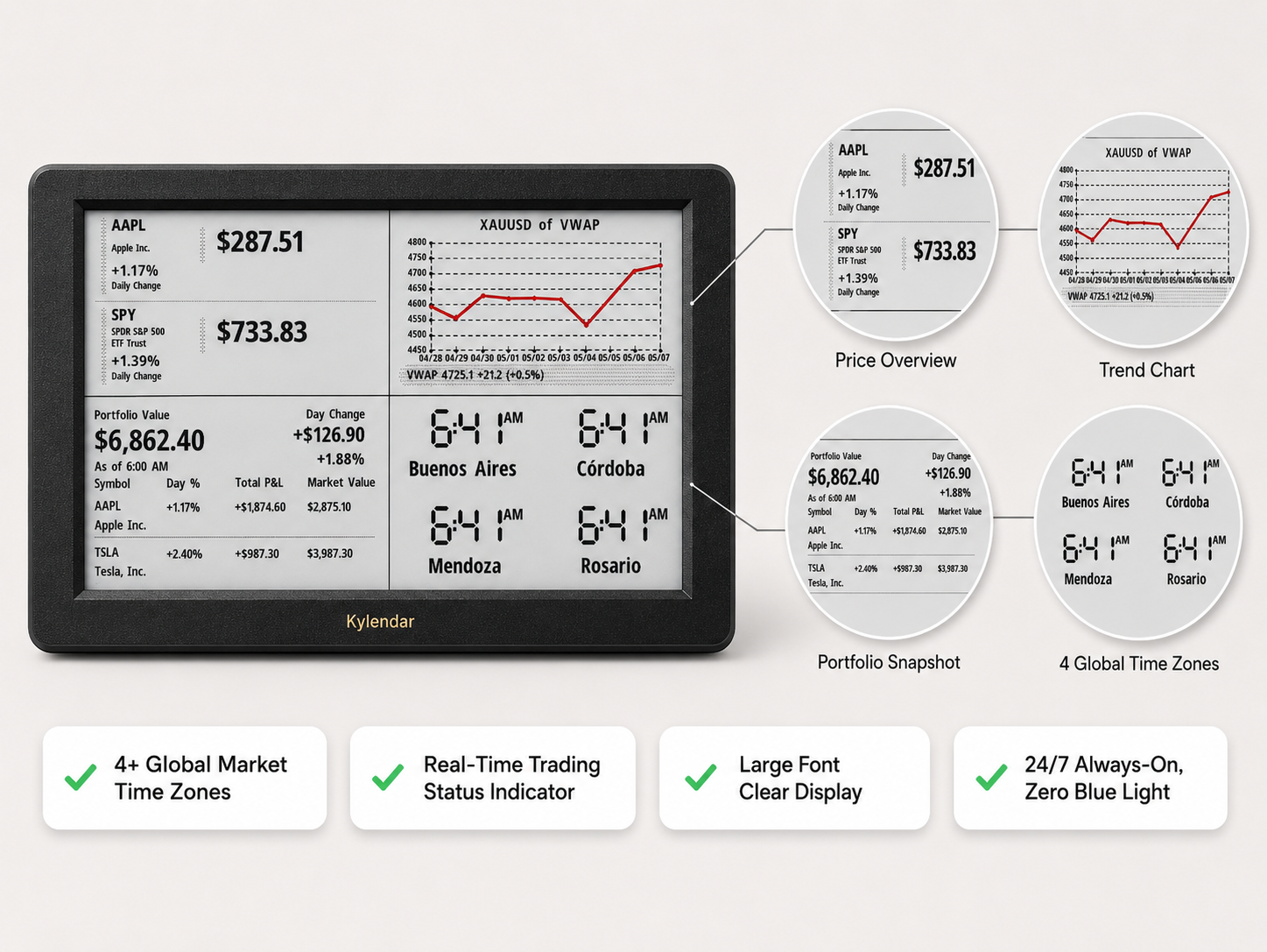
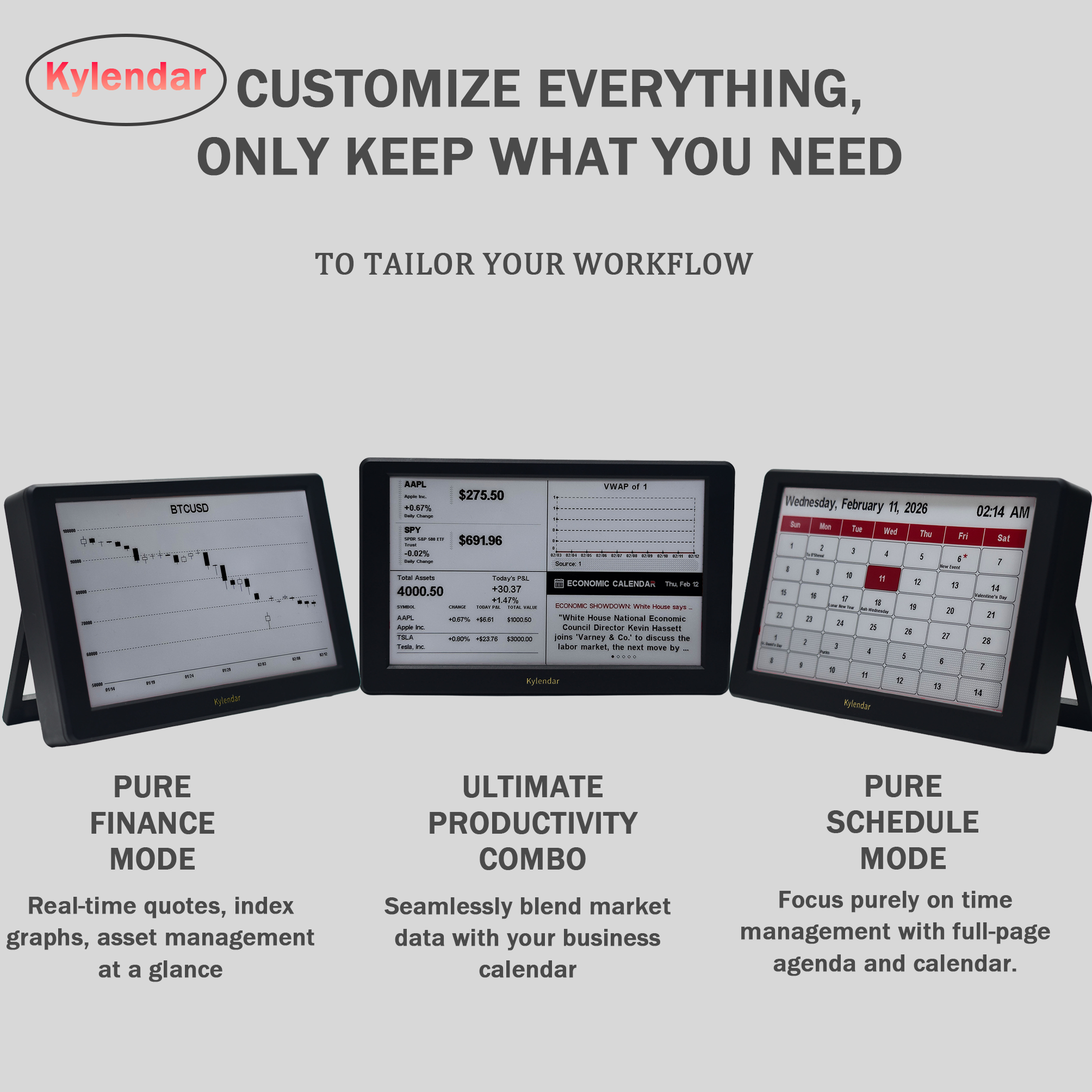
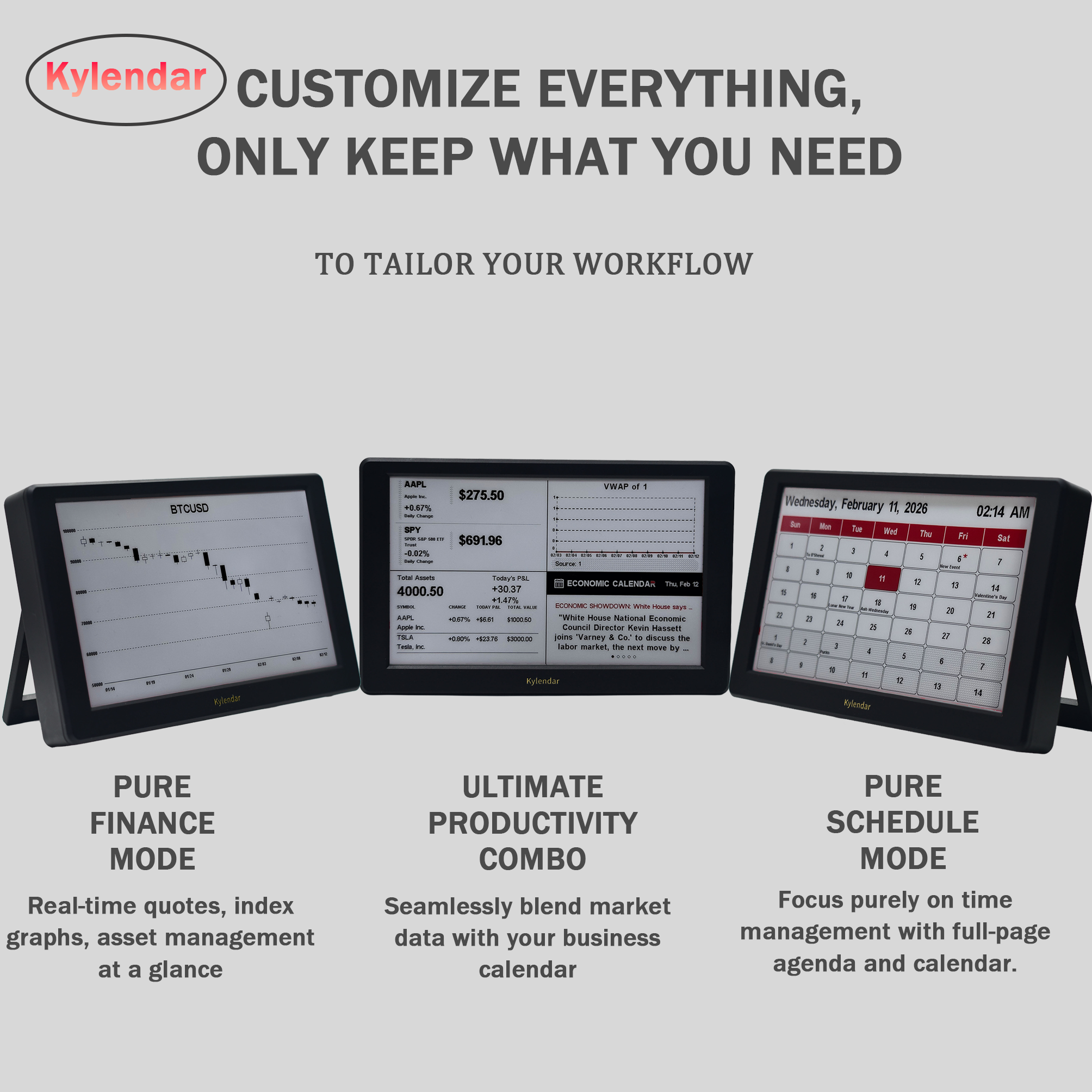
Kylendar Standard E-Ink Smart Finance & Productivity Desk Display Real-Time Market Data & Portfolio Management

Product Description

Global Partners Wanted

Smart E-Ink Calendar - Hardware Sales + Long-Term Passive Income

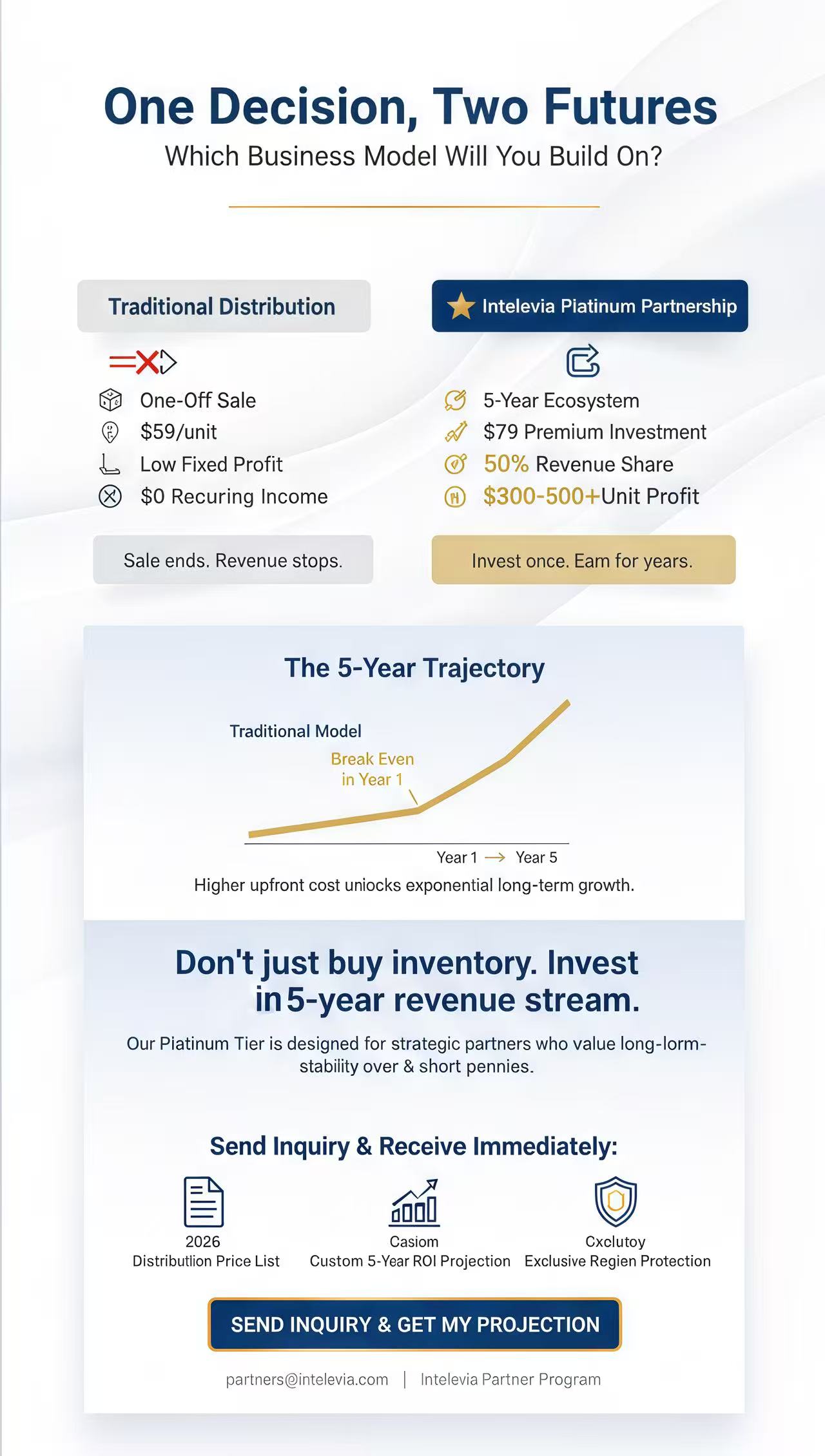
Tired of one-off hardware sales with razor-thin margins? Join the Partner Program. We offer a revolutionary business model: Sell our premium Smart E-Ink Calendar once and unlock recurring subscription revenue for up to 5 years!

🚀Why Join Us?

  • Maximum ROI (Up to 50% Share): Our Premium Partnership tier offers the industry's highest revenue split. The higher your initial commitment, the larger your slice of the subscription pie.
  • Sustainable Cash Flow: Secure stable, passive income that grows with your installed base.
  • Premium Support: Partners in our high-tier programs receive priority shipping, marketing assets, and 24/7 technical backing.

📊Business Logic

We are selectively recruiting strategic partners who prioritize building a sustainable, long-term digital ecosystem. Our Platinum Tier is specifically engineered for maximum profitability. While it involves a higher initial hardware investment, the industry-leading 50% revenue share ensures you capture the lion’s share of the market's growth. This model is designed to recoup your additional hardware costs within the first year, transforming your distribution business into a high-margin, passive income machine for years to come.
Revenue Model
Don’t just buy inventory. Invest in a 5-year revenue stream. Our Platinum Tier is designed for strategic partners who value long-term stability over short-term pennies. By choosing the $79 premium plan, you unlock the maximum 50% split—meaning every active user becomes your long-term profit source.
Ready to secure exclusive rights for your region? Send us an inquiry today! We will provide our 2026 Global Distribution Deck, Price List, and a personalized 5-year ROI (Return on Investment) Projection Table.
Distribution Table

Product Details

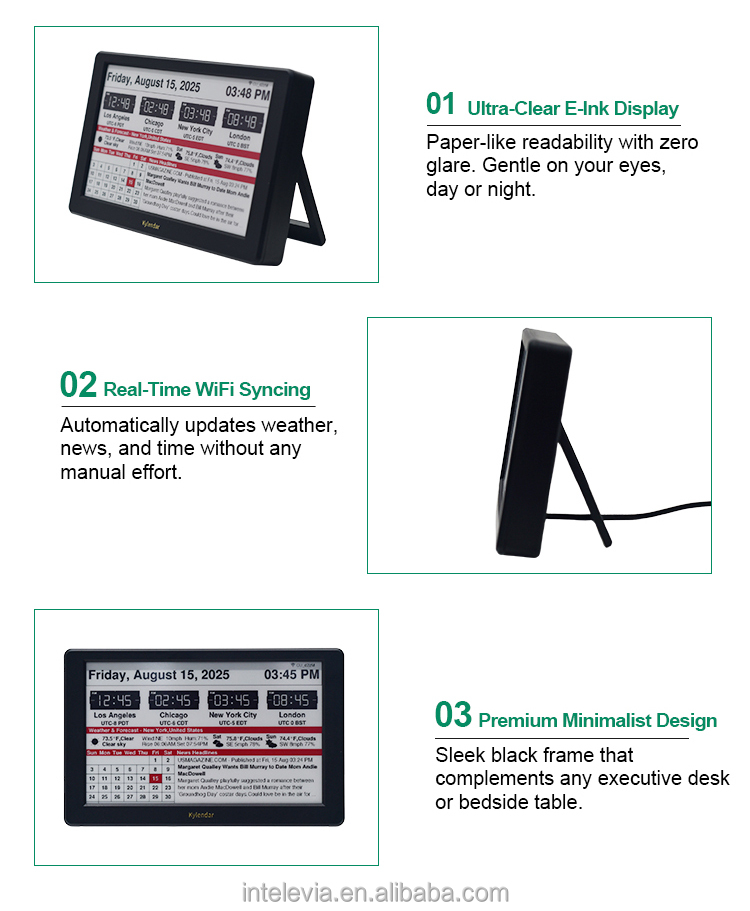
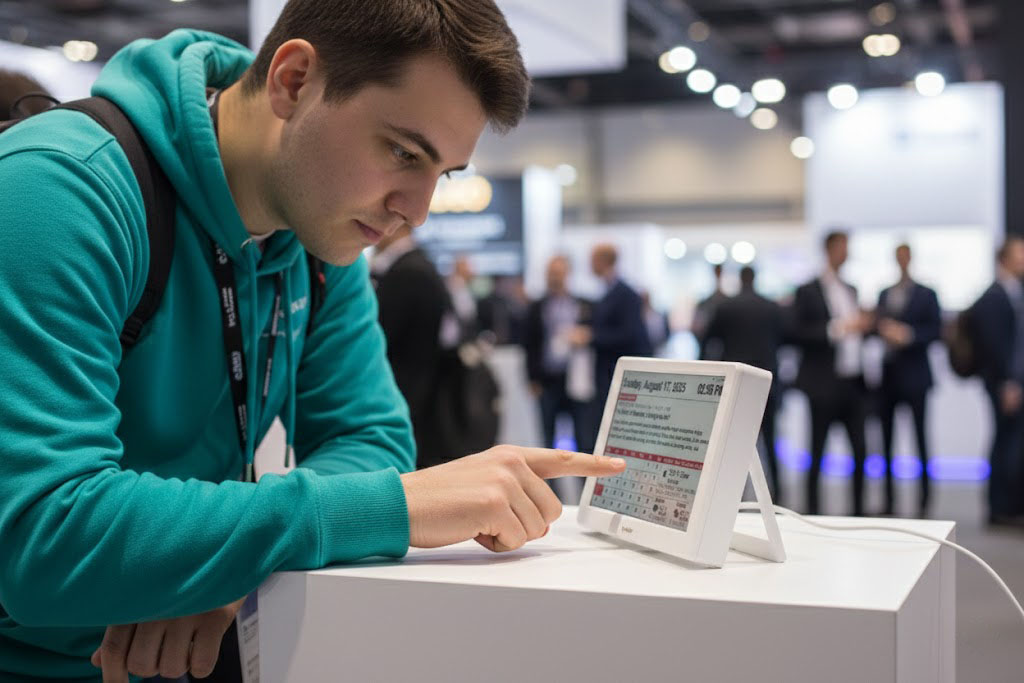
Display Type & Size7-inch E-Paper Display (Electronic Ink Display)
Resolution800 × 480 pixels
Dimensions185 mm (W) × 120 mm (H) × 10 mm (D)
WeightApprox. 300 g
MaterialABS Plastic Frame + e-Paper Front Panel
ConnectivityWi-Fi 802.11 b/g/n (2.4 GHz)
Charging InputUSB Type-C, DC 5V⎓1A
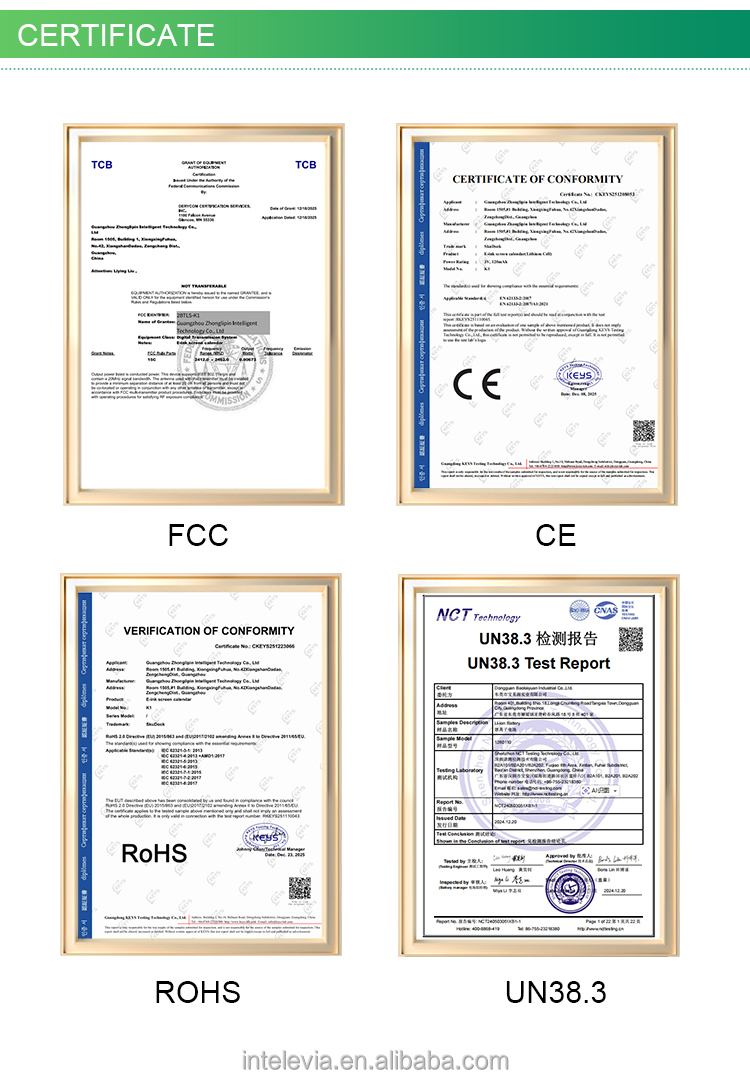
CertificationCE, FCC, ROHS
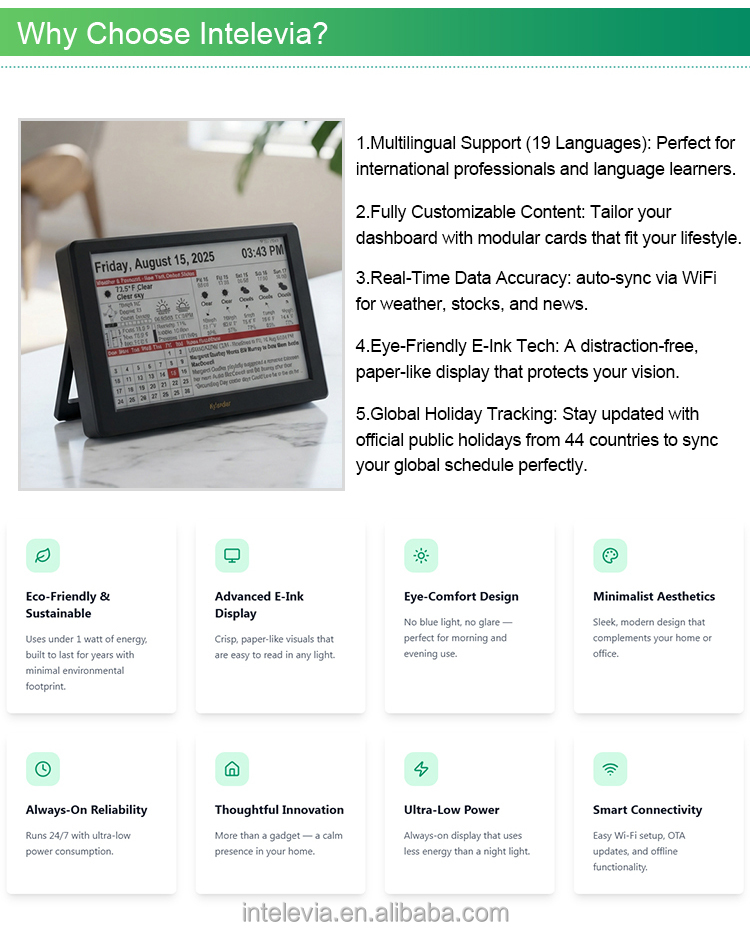
Support LanguageEnglish, German, French, Spanish, Italian, Dutch, Polish, Portuguese, Indonesian, etc
Brightday ModeSimple, clean calendar layout (Date + Month + Year)
HeadlinerReal-time news update headlines on the main area
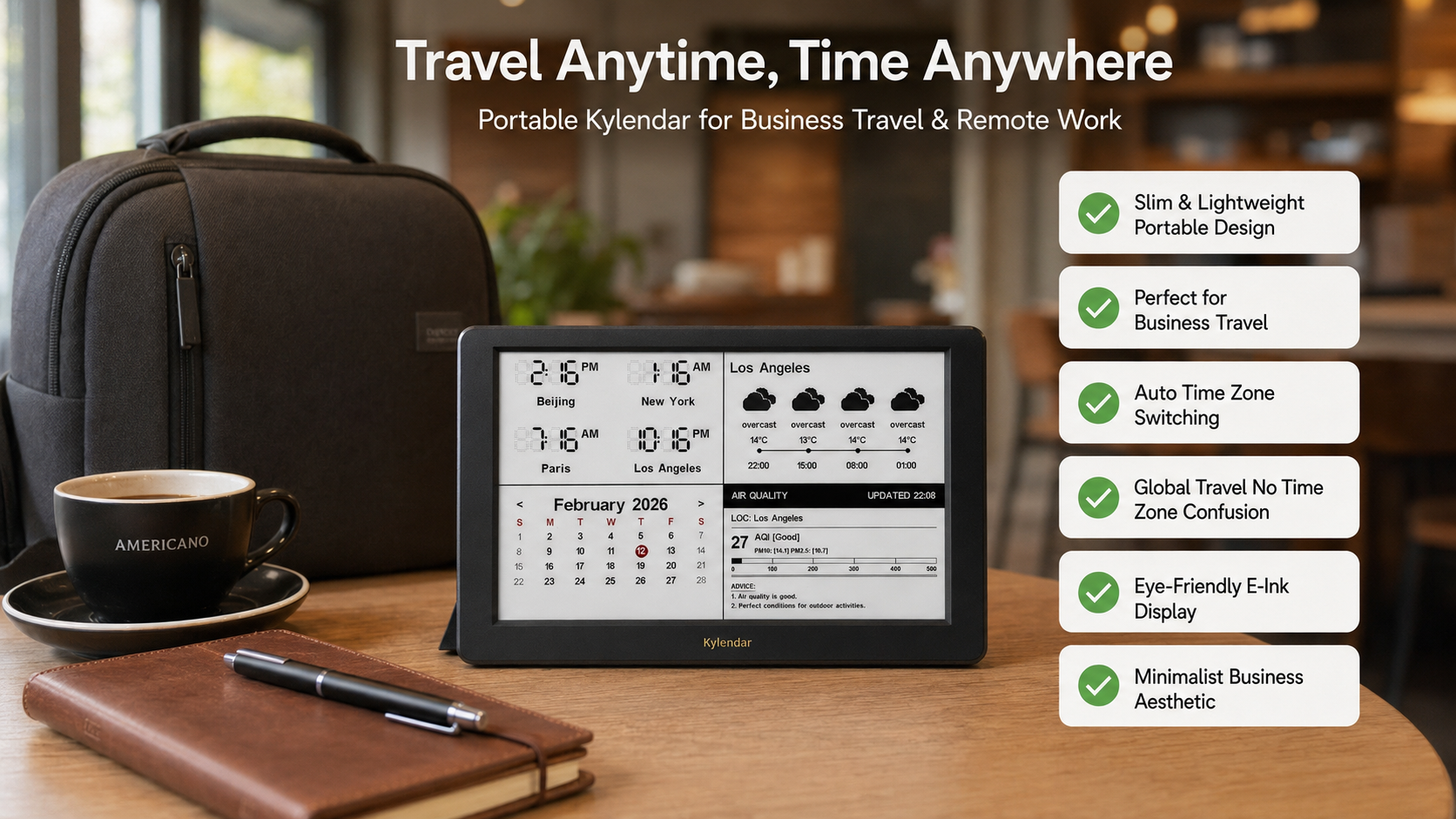
SkycastDetailed weather information (Current Temp, Condition, Forecast)
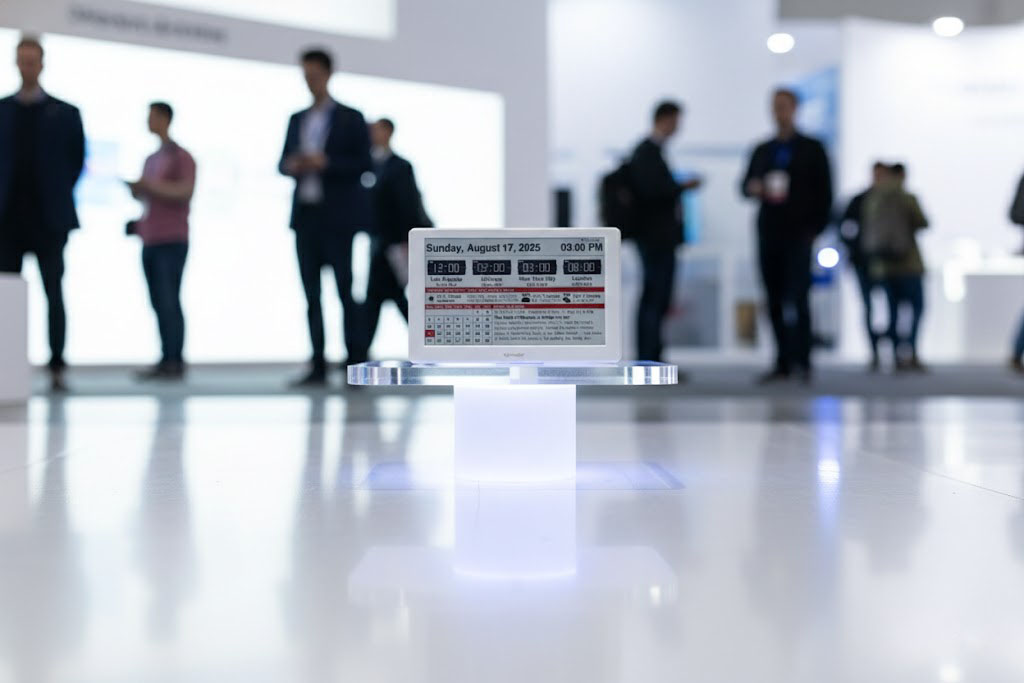
World ClockFour flip-clock style displays showing different time zones

R&D and Production

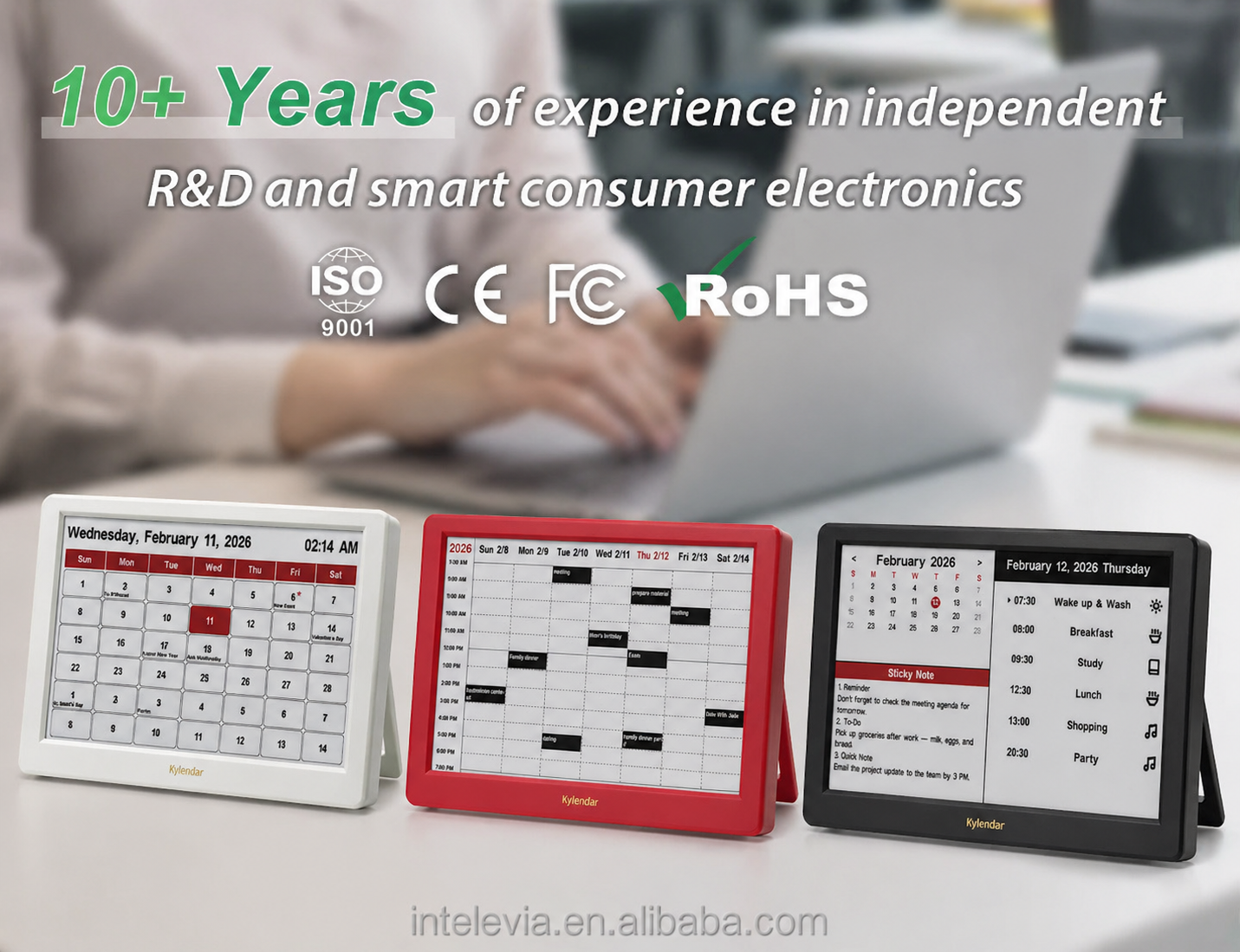
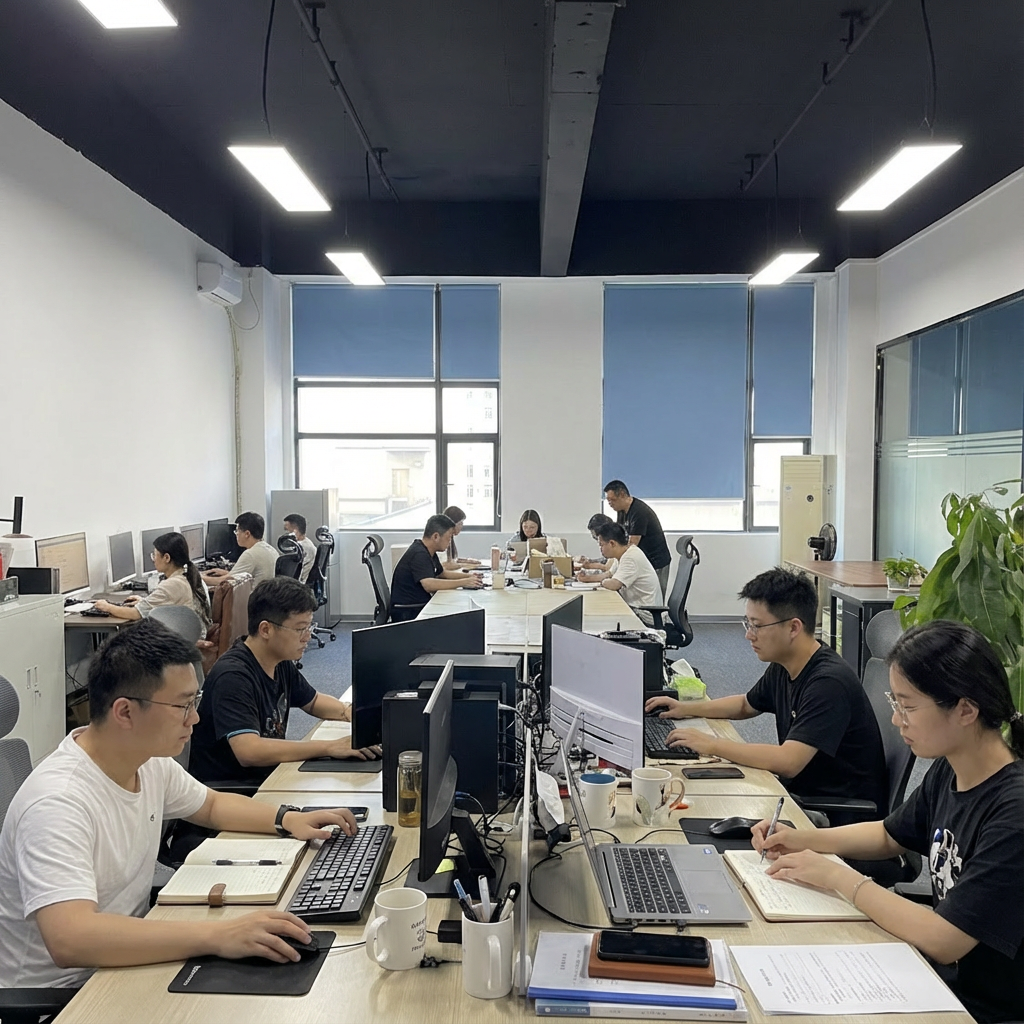
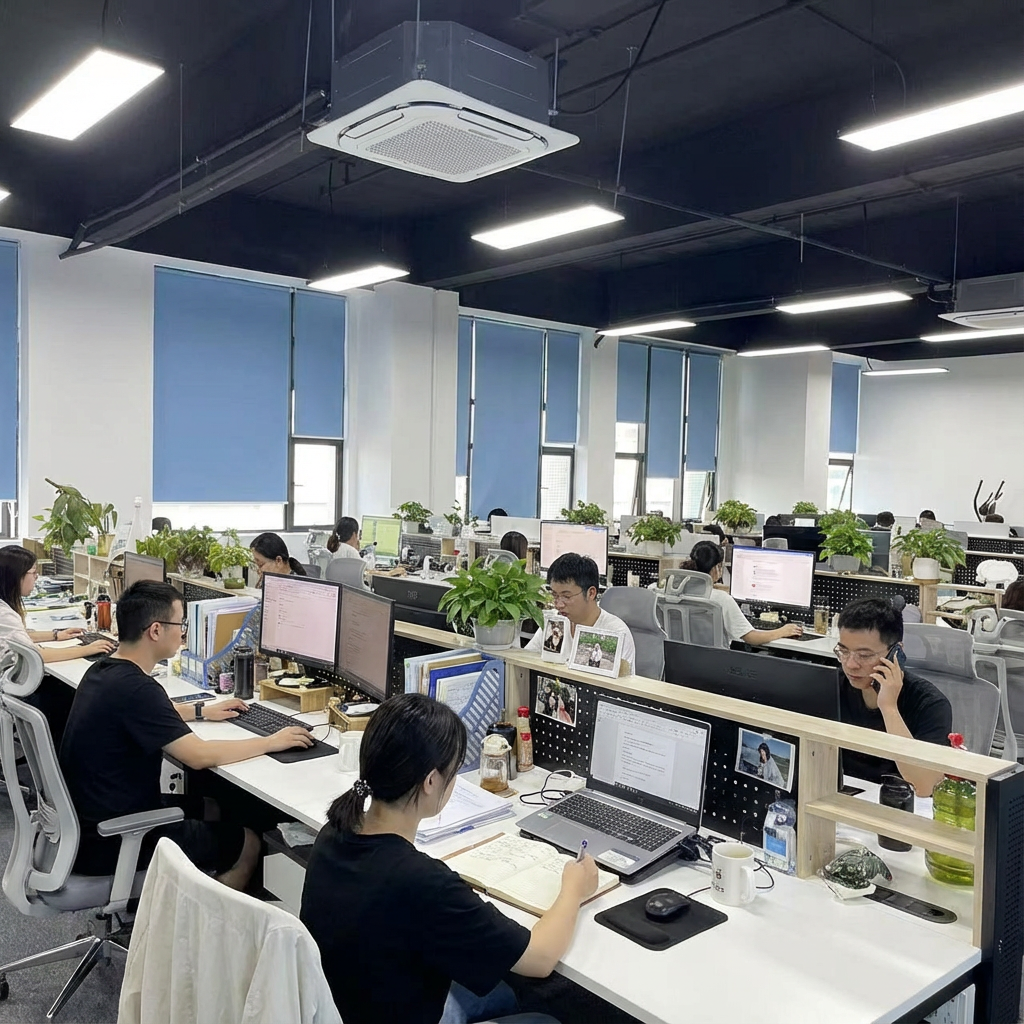
Founded in 2017, we are a high-tech innovator specializing in independent R&D and smart consumer electronics. We bridge world-class engineering with a global vision to serve the North American and European markets.

Our core strength lies in our powerful in-house software and hardware teams, allowing us to deliver full-stack solutions—from conceptual design to technical execution. We specialize in Smart E-ink Calendars and Precision Pet Trackers. Quality and compliance are our top priorities. All our products are CE, FCC, and RoHS certified.

Exhibition & Facility

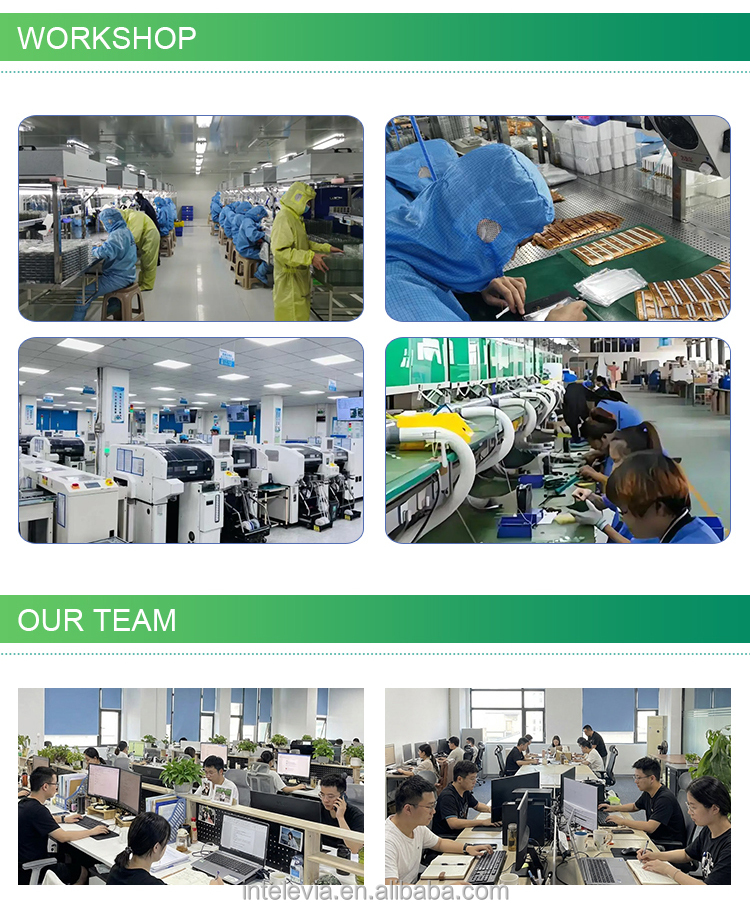
🛡️Certification & Workshop

Frequently Asked Questions

Q1: How do I connect the calendar to my Outlook or Google Calendar? A: First, complete the basic Wi-Fi setup of the device. Then access the configuration webpage via 192.168.4.1, find the calendar sync section, enter the valid calendar ID for Outlook or the calendar URL for Google Calendar, and save the settings. The device will start syncing calendar data automatically.
Q2: Why is there a delay in displaying newly added calendar events? A: After subscribing to a new calendar, the first sync may take some time. Outlook calendar typically completes the first sync within 10 to 15 minutes. You can try manually refreshing the device or re-logging into the configuration page to speed up the sync process.
Q3: Can the device sync multiple calendars at the same time? A: Yes, the device supports syncing multiple calendars. You can add multiple valid calendar IDs or URLs in the calendar sync section of the configuration webpage, and the events from different calendars will be displayed in a unified manner.
Q4: What if the calendar events are not displayed correctly? A: First, check if the calendar ID or URL is correct and the sync settings are properly saved. Then confirm that the device is connected to a stable Wi-Fi network. If the problem persists, try reconfiguring the calendar settings or restarting the device.
Q5: Will the calendar automatically update when there are changes to the original calendar events? A: Yes, when the events in the original Outlook, Google, or iCloud calendar are modified, added, or deleted, the device will sync the latest changes automatically according to the set sync frequency.
Q6: Is there a limit to the number of events that the calendar can display? A: The device can display a sufficient number of recent and upcoming calendar events to meet daily use needs. If there are too many events in a short period, the latest and most important events will be prioritized for display.

Related Products